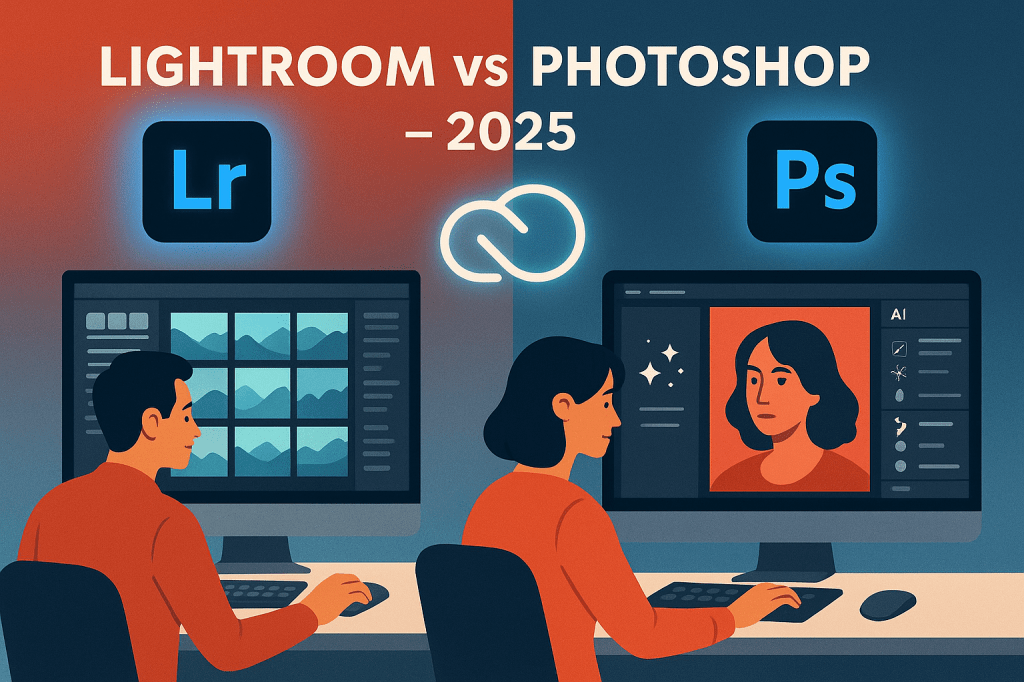
If you’re a photographer in 2025, you’ve probably asked: Do I need Lightroom or Photoshop? Both are included in Adobe’s Photography Plan, but they’re designed for different editing needs. This guide compares Lightroom vs Photoshop so you know when to use each.
1. Lightroom: Photo Management + Quick Editing
- Strengths:
- Organize thousands of images with catalogs and collections.
- Batch edit multiple photos at once.
- Non-destructive workflow (originals stay untouched).
- AI tools for masking, presets, and generative fill.
- Best for: Photographers managing large photo libraries and needing fast edits.
2. Photoshop: Detailed + Creative Editing
- Strengths:
- Pixel-level control for retouching.
- Advanced tools like layers, masks, and smart objects.
- Firefly AI for generative fills, object swaps, and style transfers.
- Perfect for composites, product photography, and creative manipulation.
- Best for: Photographers and designers who need advanced precision and creative flexibility.
3. Key Differences in 2025
| Feature | Lightroom | Photoshop |
|---|---|---|
| Photo Management | Yes | No |
| Batch Editing | Yes | Limited |
| Retouching | Basic | Advanced |
| Creative Design | No | Yes |
| AI Tools | Presets, AI masks, Firefly fill | Generative Fill, object replacement, style transfer |
| Best For | Large libraries, quick edits | Precision edits, composites, creative design |
4. Should You Use Both?
Most professionals use Lightroom for organization and batch edits and then Photoshop for detailed retouching and creative edits. Together, they cover the full spectrum of photo editing.
Conclusion
In 2025, use Lightroom for speed and organization, and Photoshop for precision and creativity. If you’re serious about photography, having both gives you the ultimate editing workflow.
👉 Get the best of both: Try the Adobe Photography Plan free for 7 days and unlock both Lightroom and Photoshop.





 Marys Graphics