
If you’re new to Adobe, the Creative Cloud suite may seem overwhelming. With more than 20 apps and new AI-powered features in 2025, it’s the most powerful toolkit for creatives. This guide will help beginners understand what Creative Cloud is, what apps are included, and how to get started.
1. What Is Adobe Creative Cloud?
- A subscription that gives you access to 20+ creative apps.
- Includes tools for photo editing, video production, design, illustration, and more.
- Features cloud storage, Adobe Fonts, and Firefly AI credits.
2. The Most Popular Apps in 2025
- Photoshop: Photo editing and digital design.
- Illustrator: Vector graphics and logo design.
- Premiere Pro: Professional video editing.
- After Effects: Motion graphics and visual effects.
- Lightroom: Photography organization and editing.
- InDesign: Layout and publishing.
3. AI in Creative Cloud 2025
- Firefly AI is integrated into Photoshop, Illustrator, Premiere, After Effects, and Lightroom.
- AI speeds up repetitive tasks like masking, color correction, and object removal.
- Generates creative options from text prompts.
4. Choosing a Plan
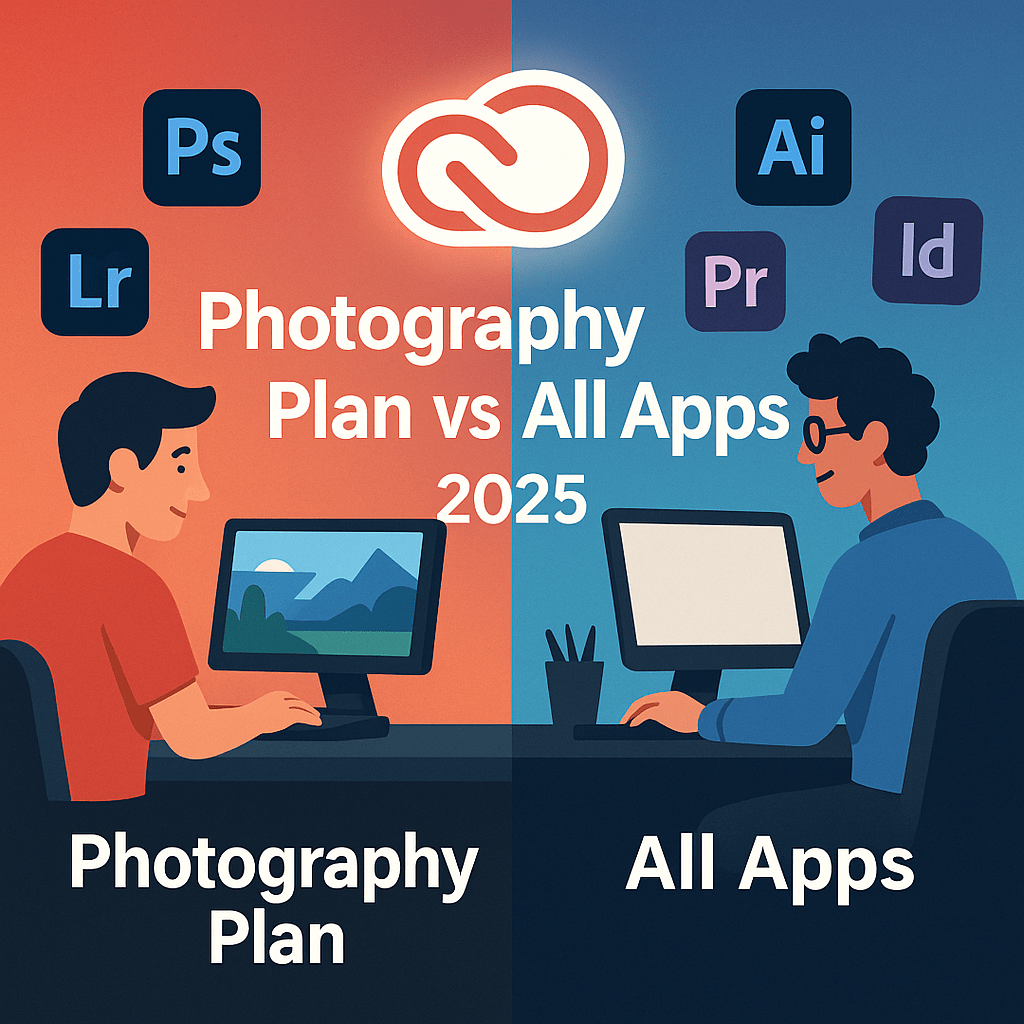
- Photography Plan ($9.99/month): Photoshop + Lightroom.
- Single App Plan ($20.99/month): For one main app.
- All Apps Plan ($59.99/month): Best for professionals using multiple tools.
- Teams Plan: For businesses managing multiple licenses.
5. Why Beginners Should Start with Creative Cloud
- Access to professional tools trusted worldwide.
- Step-by-step tutorials inside each app.
- Free trial available to explore the suite.
Conclusion
Adobe Creative Cloud 2025 is the all-in-one creative toolkit for beginners and professionals alike. Whether you want to edit photos, design graphics, or produce videos, Creative Cloud has you covered.
👉 Start your creative journey today: Try Adobe Creative Cloud free for 7 days and explore all the apps in 2025.




 Marys Graphics