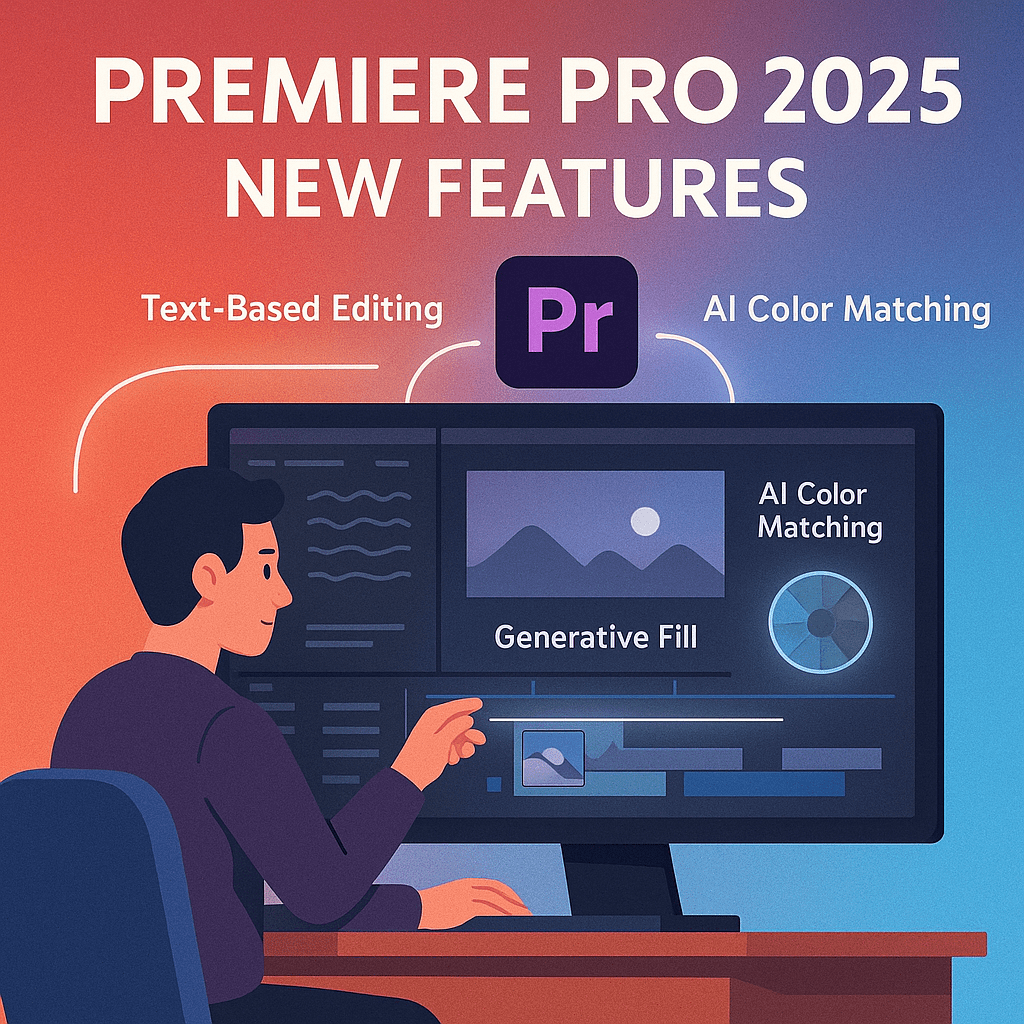
Adobe Premiere Pro has long been the gold standard for video editing, and in 2025, it’s smarter and faster than ever. Packed with new AI-driven features and workflow improvements, this update makes editing more efficient and creative. Here are the top new features in Premiere Pro 2025 you need to try.
1. Text-Based Editing 2.0
- Edit video by editing transcripts.
- New update improves accuracy for multiple speakers.
- Perfect for interviews, podcasts, and corporate videos.
2. Generative Fill for Video
- Remove unwanted objects from footage automatically.
- Extend or replace backgrounds across multiple frames.
- Great for filmmakers and marketers.
3. AI-Powered Color Matching
- Apply consistent color grading across multiple clips.
- Match a “look” from reference footage instantly.
- Saves time on manual grading.
4. Enhanced Audio Tools
- AI noise reduction and dialogue isolation.
- Auto-ducking for background music when people speak.
- Smart mixing for balanced sound.
5. Performance Improvements
- Faster rendering with GPU acceleration.
- Better stability for large projects.
- Cloud rendering for team workflows.
Conclusion
In 2025, Premiere Pro isn’t just a video editor—it’s an AI-powered creative assistant. With new tools like Generative Fill, improved text-based editing, and smarter audio and color workflows, it’s the most powerful version yet.
👉 Upgrade your editing: Try Adobe Premiere Pro free for 7 days and explore the new 2025 features.





 Marys Graphics