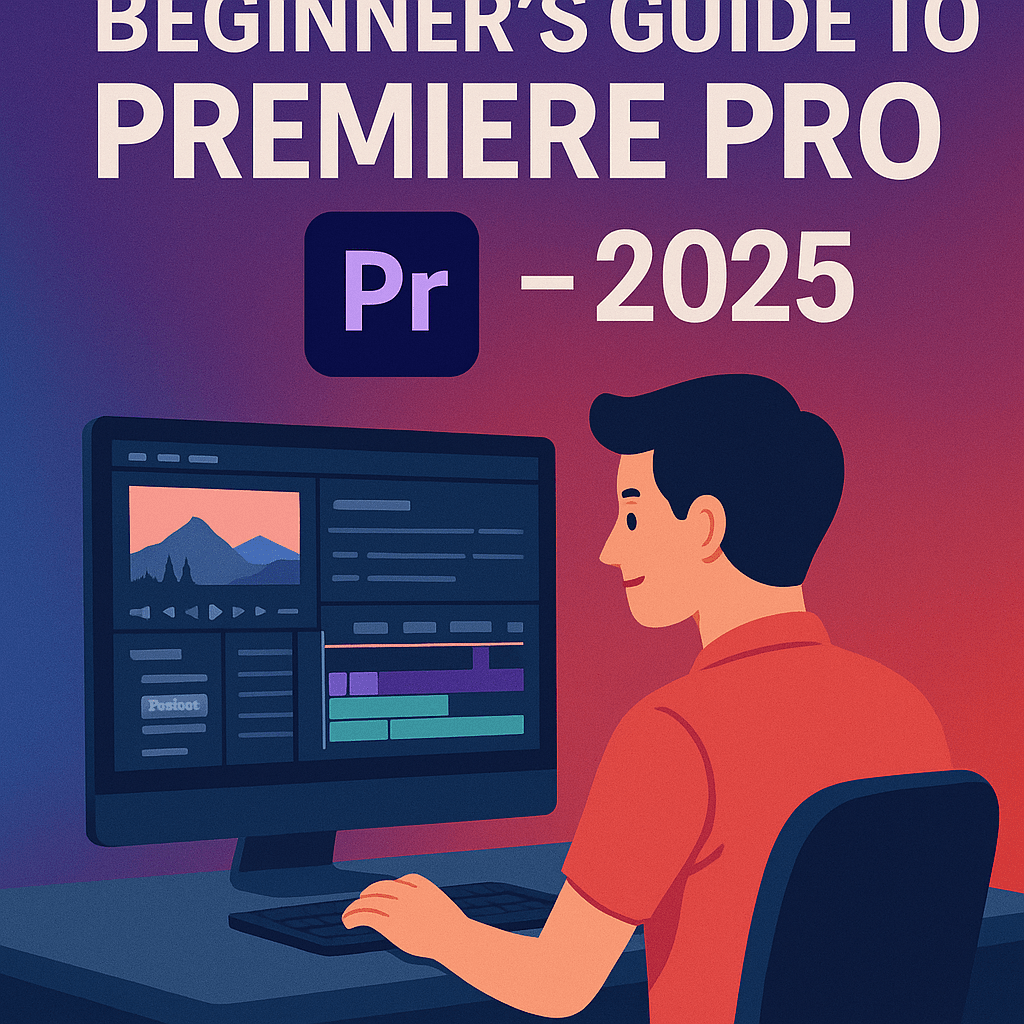
Whether you’re editing YouTube videos, short films, or business content, Adobe Premiere Pro is the go-to tool for professional video editing. In 2025, it’s even more powerful with AI-powered Firefly tools built in. This beginner’s guide will walk you through the basics so you can start editing confidently.
1. Setting Up Your Project
- Open Premiere Pro and create a new project.
- Import video, audio, and images into the Project Panel.
- Drag clips into the Timeline to start editing.
💡 Use the Assembly workspace for beginners—it’s the simplest layout.
2. Understanding the Timeline
- Tracks: Video on top tracks, audio on bottom tracks.
- Playhead: Shows your current frame.
- Cutting: Use the Razor Tool (C) to split clips.
3. Adding Transitions & Effects
- Go to the Effects Panel.
- Drag transitions (like cross dissolve) onto clips.
- Apply color correction using the Lumetri Color Panel.
4. Working with Audio
- Adjust levels in the Audio Track Mixer.
- Use AI tools for noise reduction and automatic dialogue leveling.
- Sync audio with video easily by right-clicking > “Synchronize.”
5. Exporting Your Video
- Go to File > Export > Media.
- Choose presets for YouTube, Vimeo, or high-quality MP4.
- Use Adobe Media Encoder for background exporting.
6. Firefly AI in Premiere Pro (2025 Update)
- Text-Based Editing: Cut video by editing transcripts.
- Generative Fill for Video: Remove unwanted objects from clips.
- AI Color Matching: Apply consistent color grading across scenes.
Conclusion
Premiere Pro may seem intimidating, but once you understand projects, timelines, and effects, it becomes second nature. With AI-powered tools in 2025, beginners can create professional-quality videos faster than ever.
Affiliate CTA
👉 Start your video editing journey today: Try Adobe Premiere Pro free for 7 days and unlock professional tools.