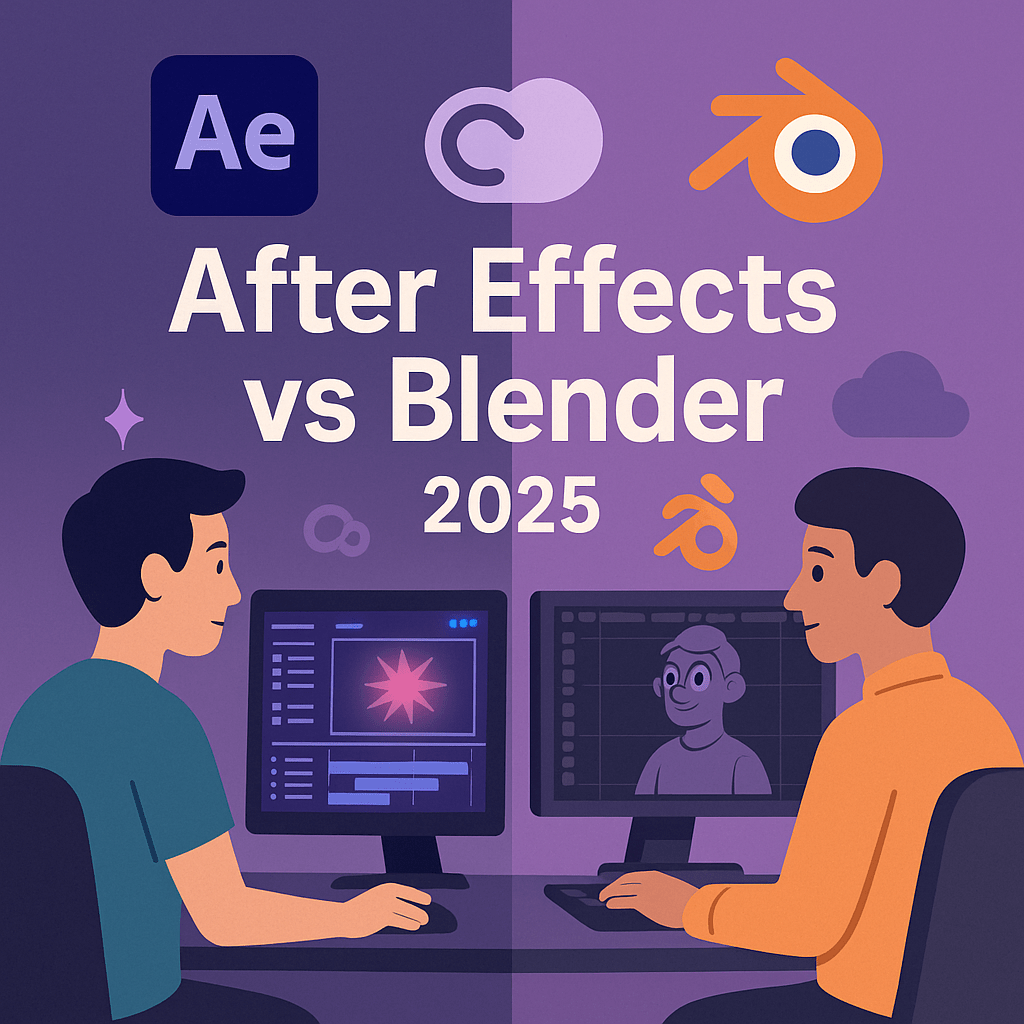
In 2025, motion designers and animators have plenty of tools to choose from. Two of the most popular are Adobe After Effects and Blender. While both can create stunning visuals, they’re designed for different kinds of work. This guide compares After Effects vs Blender so you know which one fits your projects best.
1. Adobe After Effects (2025 Overview)
- Purpose: Motion graphics, VFX, 2D/2.5D animation.
- Strengths:
- Tight Creative Cloud integration with Premiere Pro, Photoshop, and Illustrator.
- Firefly AI tools for motion graphics and generative effects.
- Easy learning curve for designers familiar with Adobe apps.
- Limitations: Not a full 3D modeling tool.
- Best for: Motion design, compositing, and visual effects.
2. Blender (2025 Overview)
- Purpose: 3D modeling, animation, and rendering.
- Strengths:
- Free and open-source.
- Powerful 3D modeling, sculpting, and animation features.
- Realistic rendering with Eevee and Cycles engines.
- Limitations:
- Steeper learning curve.
- Fewer integrations with Creative Cloud.
- Best for: 3D artists, animators, and game developers.
3. Key Differences in 2025
| Feature | After Effects | Blender |
|---|---|---|
| Focus | Motion graphics & VFX | 3D modeling & animation |
| Cost | Subscription (~$20.99/month) | Free (open source) |
| AI Tools | Firefly generative effects | Limited community add-ons |
| Learning Curve | Moderate (easy for Adobe users) | Steep (advanced 3D concepts) |
| Best For | Designers, VFX artists | 3D animators, game developers |
4. Should You Use Both?
Many studios use Blender for 3D modeling and then After Effects for compositing and motion design. Together, they provide a complete 2D + 3D production pipeline.
Conclusion
In 2025, After Effects remains the best choice for motion graphics and VFX, while Blender is unbeatable for 3D animation and modeling. If your work spans both areas, using them together gives you maximum creative power.
👉 Animate smarter: Get Adobe After Effects with a free 7-day trial and see how it fits into your creative workflow alongside Blender.