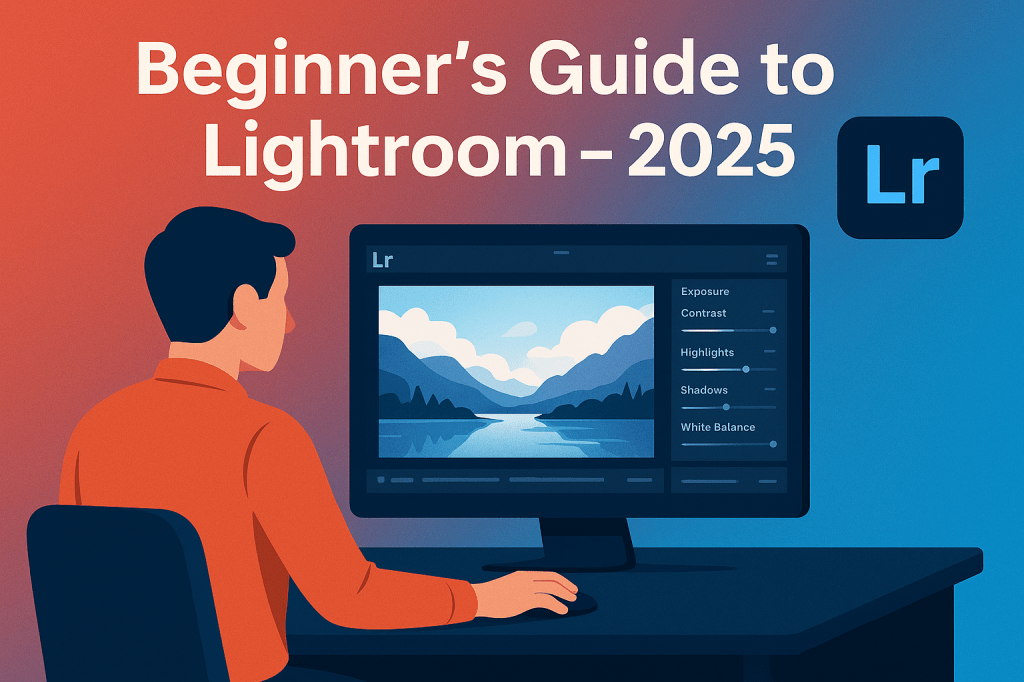
If you’re a photographer, Adobe Lightroom is one of the most important tools in your workflow. Unlike Photoshop, which focuses on pixel-level editing, Lightroom is built for organizing, editing, and exporting large collections of photos. In this 2025 beginner’s guide, we’ll walk through the basics to help you get started.
1. Importing Your Photos
- Launch Lightroom and click Import.
- Choose photos from your camera, memory card, or computer.
- Add metadata, keywords, or apply presets during import.
💡 Tip: Organize with folders and collections from the start to save time later.
2. Organizing Your Library
- Use Collections to group photos by project or client.
- Apply Keywords to make searching easier.
- Rate photos with stars, flags, or color labels.
3. Basic Editing in the Develop Module
- Exposure & Contrast: Adjust overall brightness and depth.
- Highlights & Shadows: Recover details in bright or dark areas.
- White Balance: Fix color temperature for natural tones.
- Clarity & Texture: Enhance details without over-sharpening.
4. Using Presets
- Apply built-in presets for quick edits.
- Download or create custom presets for your style.
- Great for maintaining a consistent look across projects.
5. Advanced Editing (2025 Update)
- AI Masking: Automatically select skies, subjects, or backgrounds.
- Generative AI (Firefly): Replace or expand elements in photos.
- Lens Corrections: Automatically fix distortions.
6. Exporting Your Photos
- Export as JPG for web or TIFF for print.
- Resize and watermark photos during export.
- Use Export Presets to save time.
Conclusion
In 2025, Lightroom is more powerful than ever, blending AI-assisted editing with professional photo management. Once you master importing, organizing, and basic edits, you’ll see why it’s the go-to tool for photographers worldwide.
👉 Start editing like a pro: Get Adobe Lightroom with a free 7-day trial and transform your photography.






 Marys Graphics