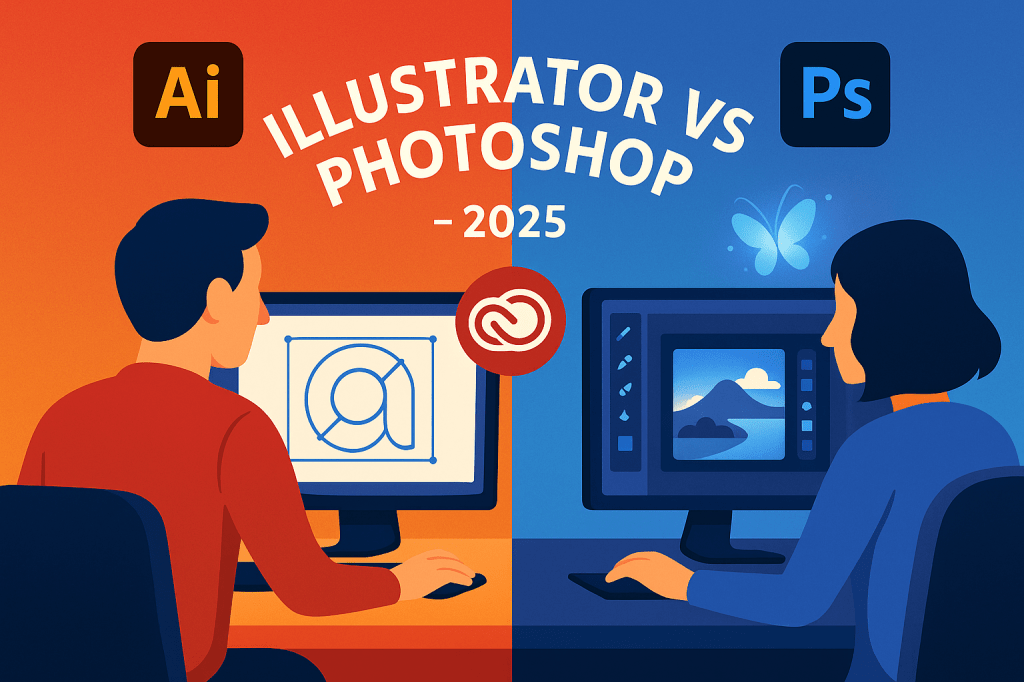
Designers often ask: Should I use Illustrator or Photoshop? While both are part of Adobe Creative Cloud, they’re built for very different types of graphics. In 2025, understanding the difference between vector-based Illustrator and raster-based Photoshop is more important than ever. Here’s a breakdown to help you choose the right tool.
1. Adobe Illustrator: Vector Graphics Powerhouse
- What it’s best for: Logos, icons, illustrations, typography.
- Strengths:
- Creates scalable vector graphics that never lose quality.
- Perfect for branding, packaging, and print.
- Advanced typography and layout tools.
- Limitations: Not ideal for editing photos.
💡 Choose Illustrator if: You’re designing logos, brand assets, or clean vector illustrations.
2. Adobe Photoshop: Raster Editing Master
- What it’s best for: Photo editing, digital painting, composites.
- Strengths:
- Pixel-based editing for precise retouching.
- Firefly AI tools for generative fills, object swaps, and style transfers.
- Flexible for web, social, and marketing visuals.
- Limitations: Not scalable like vector graphics.
💡 Choose Photoshop if: You’re working with photos, textures, or detailed pixel-based graphics.
3. Key Differences in 2025
| Feature | Illustrator | Photoshop |
|---|---|---|
| File Type | Vector (.AI, .SVG) | Raster (.PSD, .JPG, .PNG) |
| Scalability | Infinite | Limited |
| Best For | Logos, icons, typography | Photos, digital art, composites |
| AI Tools | Vector generation, text effects | Generative Fill, object replacement |
| Learning Curve | Moderate | Moderate |
4. Do You Need Both?
Many designers use Illustrator for logo design and Photoshop for marketing visuals. Together, they cover nearly every graphic design need. Adobe’s Creative Cloud All Apps plan includes both, making it easy to switch between them.
Conclusion
In 2025, the choice comes down to your project: Illustrator for scalable vector design, Photoshop for pixel-perfect photo editing. For most professionals, using both is the ultimate workflow.
👉 Get the best of both worlds: Try Adobe Creative Cloud free for 7 days and use Illustrator and Photoshop together.